This week involved looking at Audio and other fun experiments such as bluetooth connection.
The first experiments I did was a simple little buzzer program that was a lot like a blink experiment. It was so simple to set up it was fun, but there is also some interesting code improvements to using these kind of components.

This code was used to make the buzzer sound for an SOS message. It is simple with High and Low output while pausing to creating dots and dashes…

Another step in making a slightly more complicated use of audio is with the speaker. Which is set up for simplicity in a similar way to the buzzer.
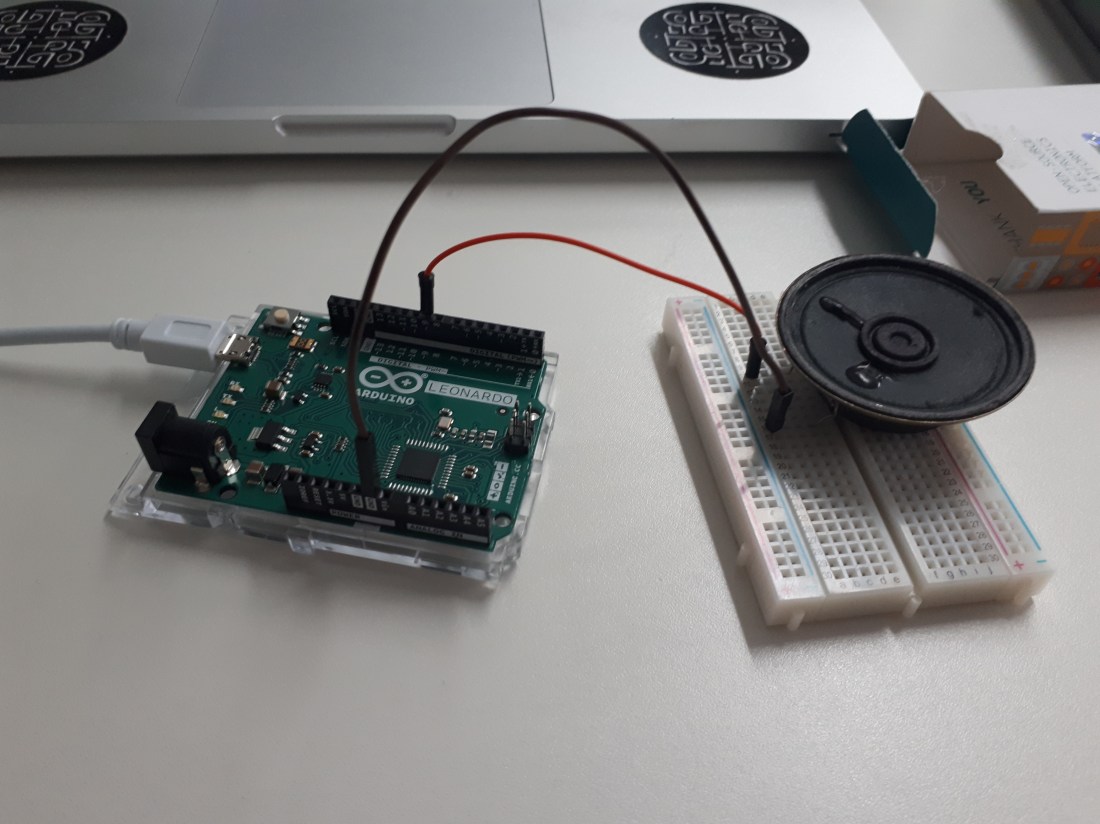
Code to help with creating notes can be found in a built in library with Arduino and included, such as pitches.h. There is also examples for audio within the Arduino IDE found here…

This code I sourced gave me the ability to create notes and essentially be able to play something more musical.

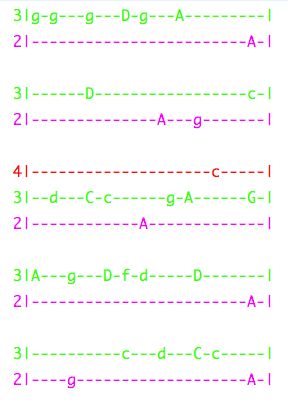
This is an impressive code block that I sourced. The char array ‘notes’ represents the line of music that is played, the tones array represents the required output frequency to play each note. The loop function calls the playNote, playNote calls the playTone function to play the note. With this it is possible to code something similar to music such as the Super Mario them tune. Like this…

 Physical Computing Experimentation